User Guides
This is the Online User Guide for the 2023-14 release of Rockit. Use the step by step guide to install and configure your Rockit software.

Overview
We’ve tried to make Rockit as simple as possible to use. However, we are still very much aware that all boats are different and while installing then using Rockit our users will come up against unforeseen complications. So, if you get stuck or have what you think is a stupid question let us know...
Rockit 2025 : System Configuration : Why It Is The Way It Is
Overview As part of out COVID Lockdown activity we looked at ways that we could make it easier to install and run Rockit. We came to the conclusion that there would be value in developing a dedicated Rockit Server device that could be run on the target boat. This would remove the need to install...
Rockit 2025 : Initial System Installation and Setup
Overview The Rockit Analytics data collection software on Windows is designed to save data to an embedded database. This is a change to earlier releases where the software was bundled with a MySQL database. For 2025 we decided to simplify the installation process removing the additional database...
Rockit 2025 : Setting Up A Boat In Rockit To Record Data Against
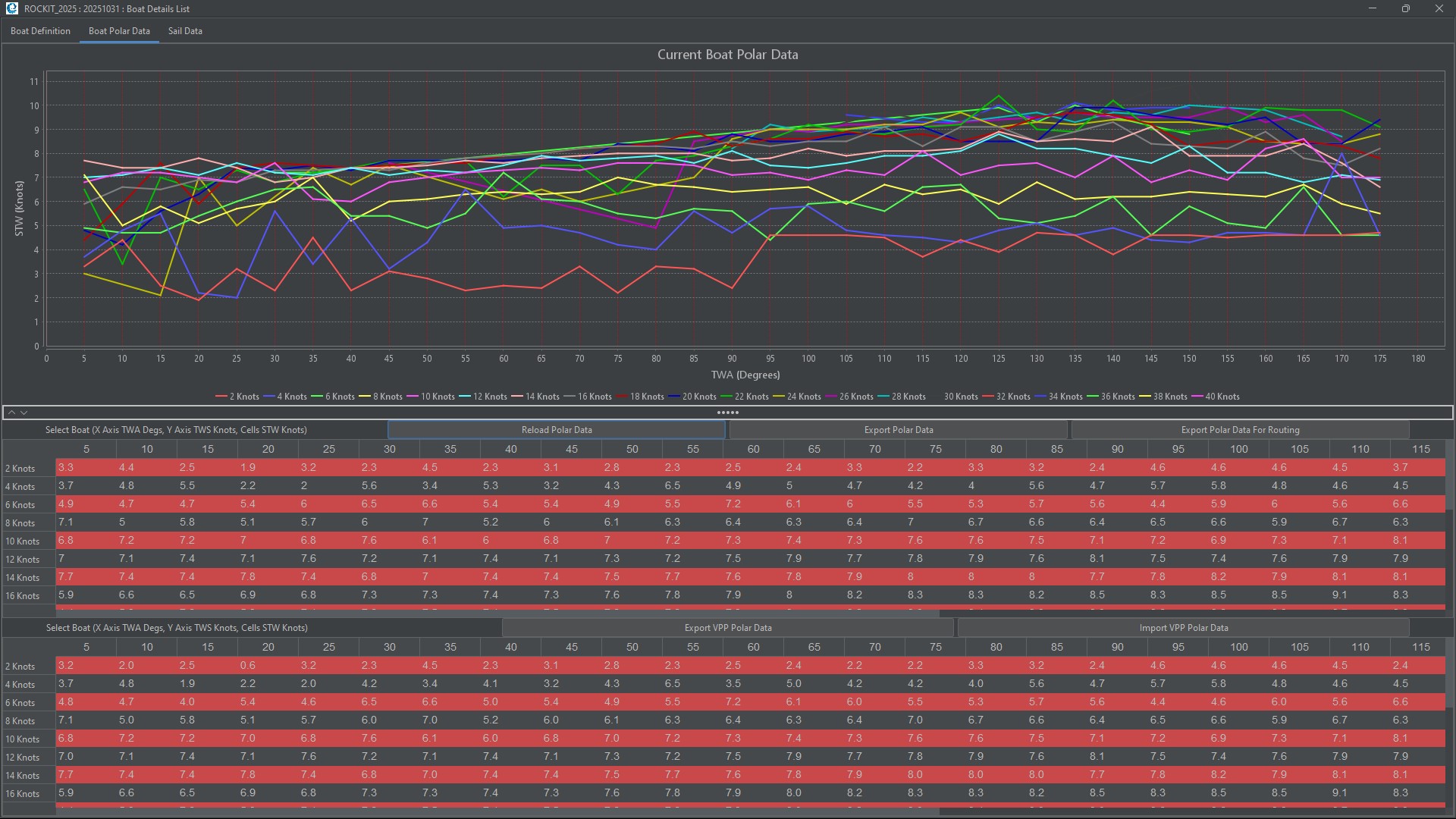
Overview Once you have connected the Rockit Analytics software to your boats NMEA network you need to tell Rockit about the boat. Thats a relatively simple process you can record as little or as much about the boats configuration as you like. To get the most out of Rockit you will at least need to...
Rockit 2025 : Adding Waypoints and Defining Routes To Follow
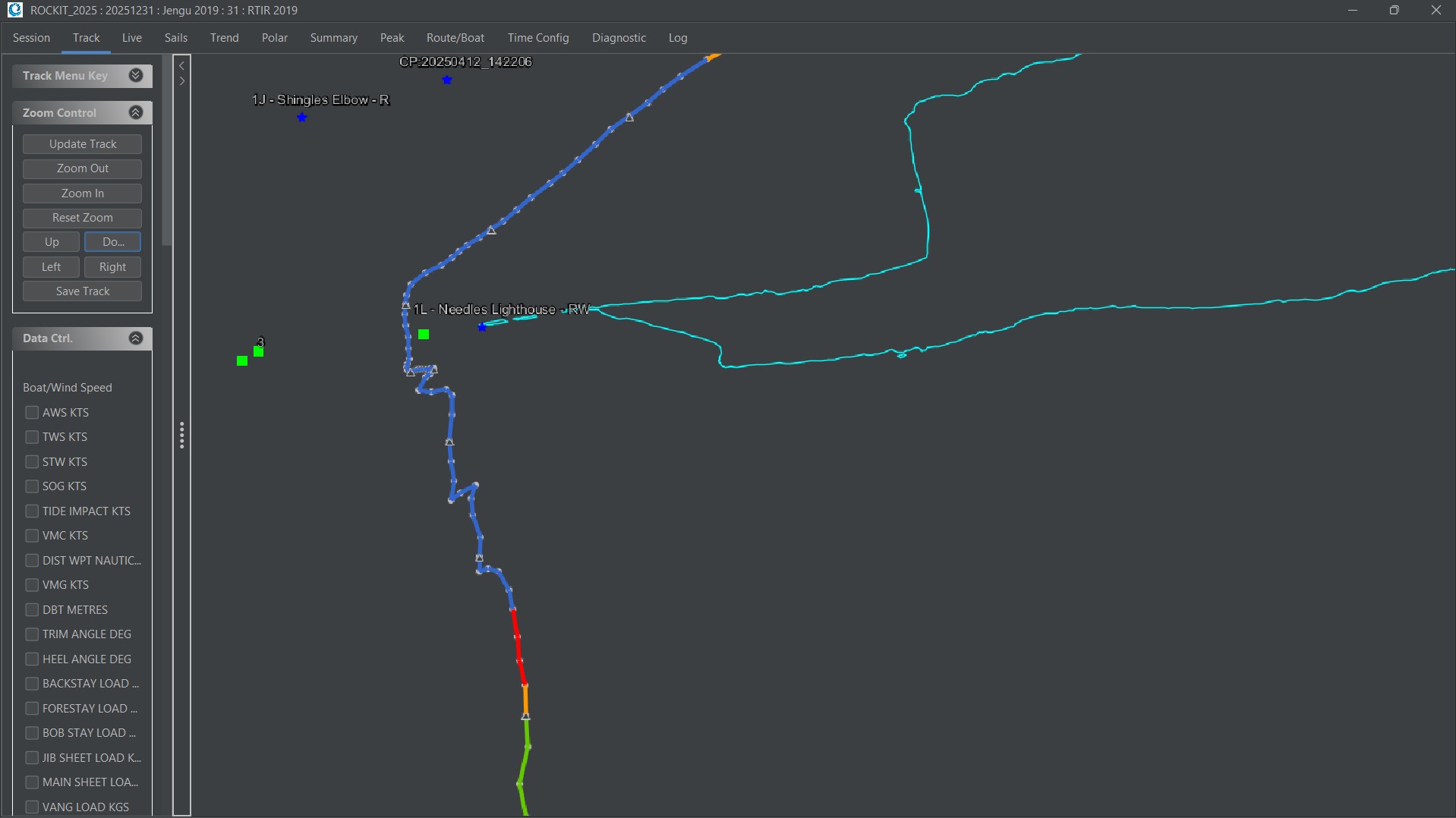
Routes And Waypoints Routes and Waypoints are included in Rockit Analytics to make it easier to understand visually the information displayed on the Track panel and to make it possible to calculate a Velocity Made Good On Course (VMC) figure. A Route can be created in two ways;. By manually...
Rockit 2025 : Defining and Starting A Recording Session
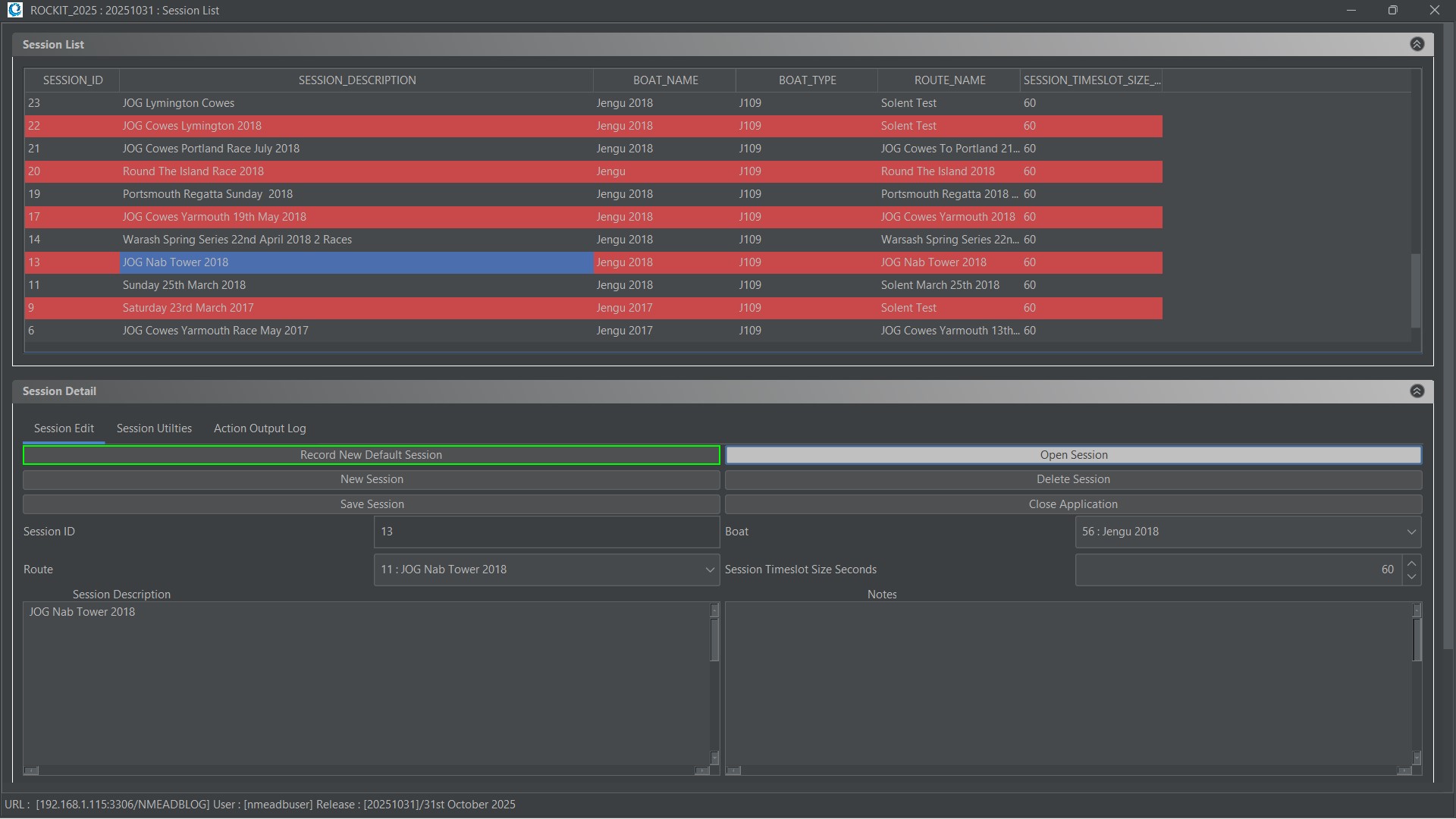
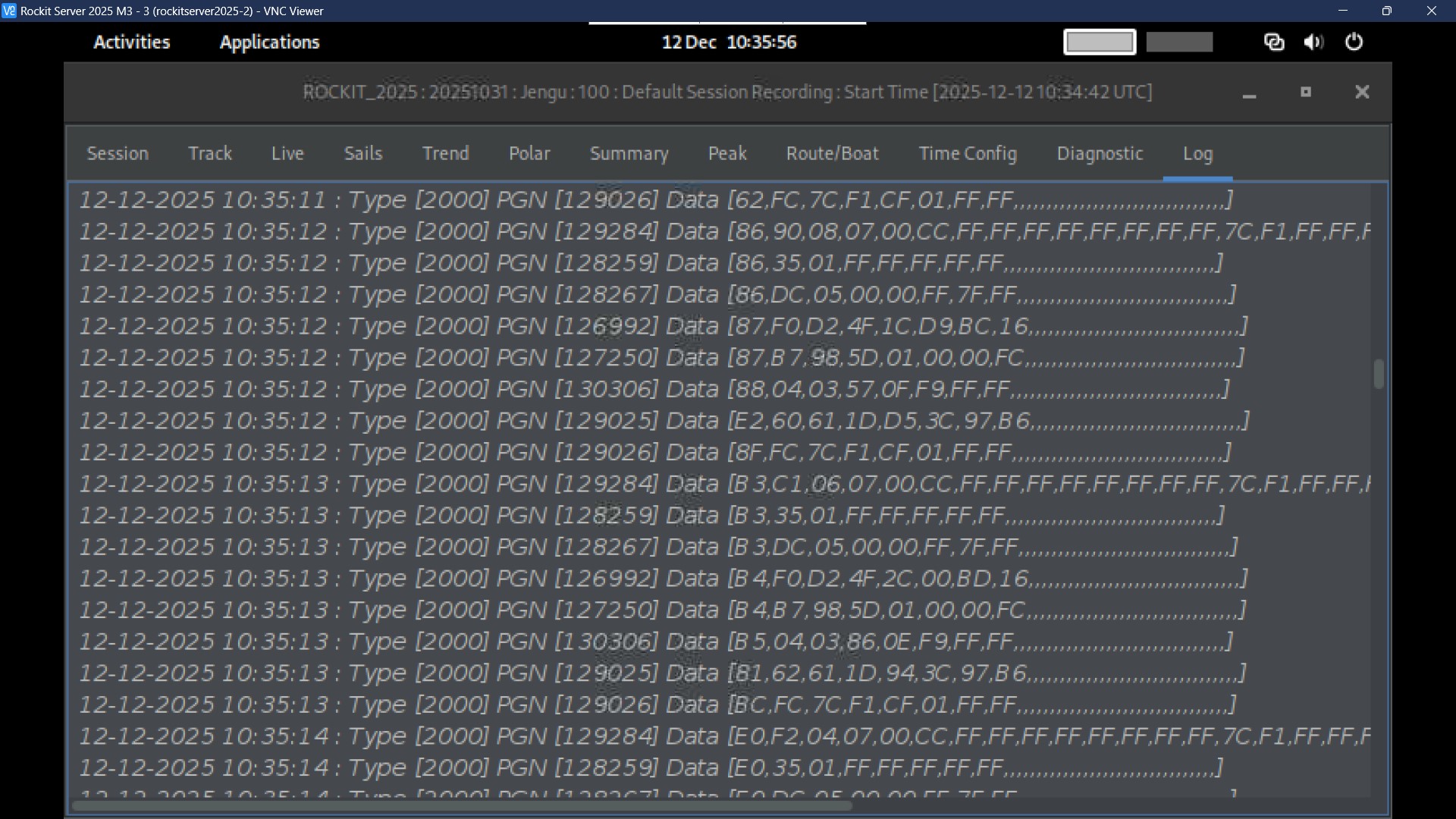
Recording a Default Session We have made recording data as simple as possible. You can either set up a session individually or you can just press the green button and use the current system defaults. If you have setup a Default Boat, Route and Interface you can start recording by simply pressing...
Rockit 2025 : How to review the data you collected.
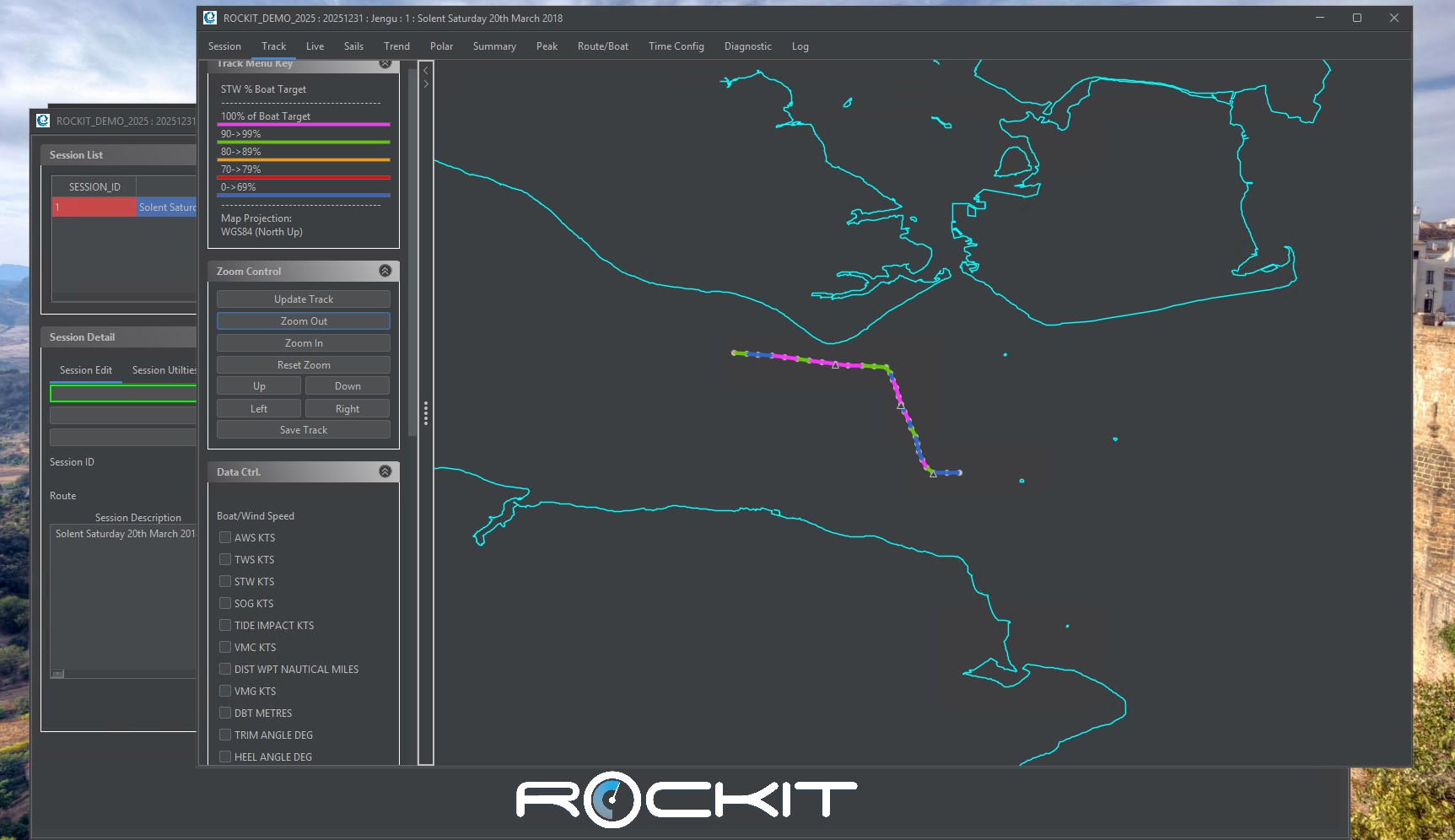
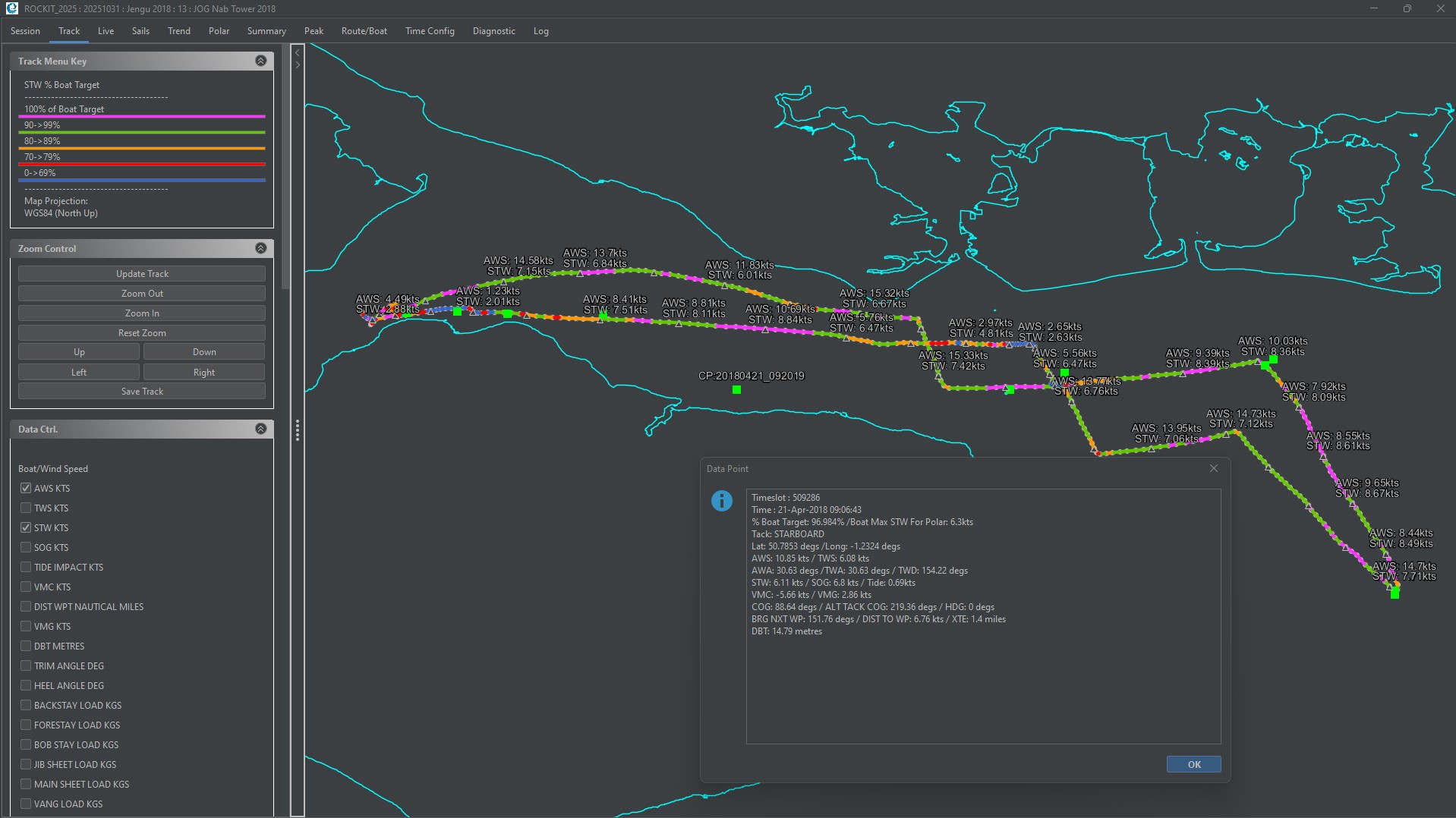
Overview Rockit is all about making the most of the data that you collect and turning it into meaningful information that can be learnt from long after its original collection. The software allows you to review most of the data as its collected. That was part of the rationale behind creating...
Rockit 2025 : Bulk Recalculation Of Performance and Polar Data
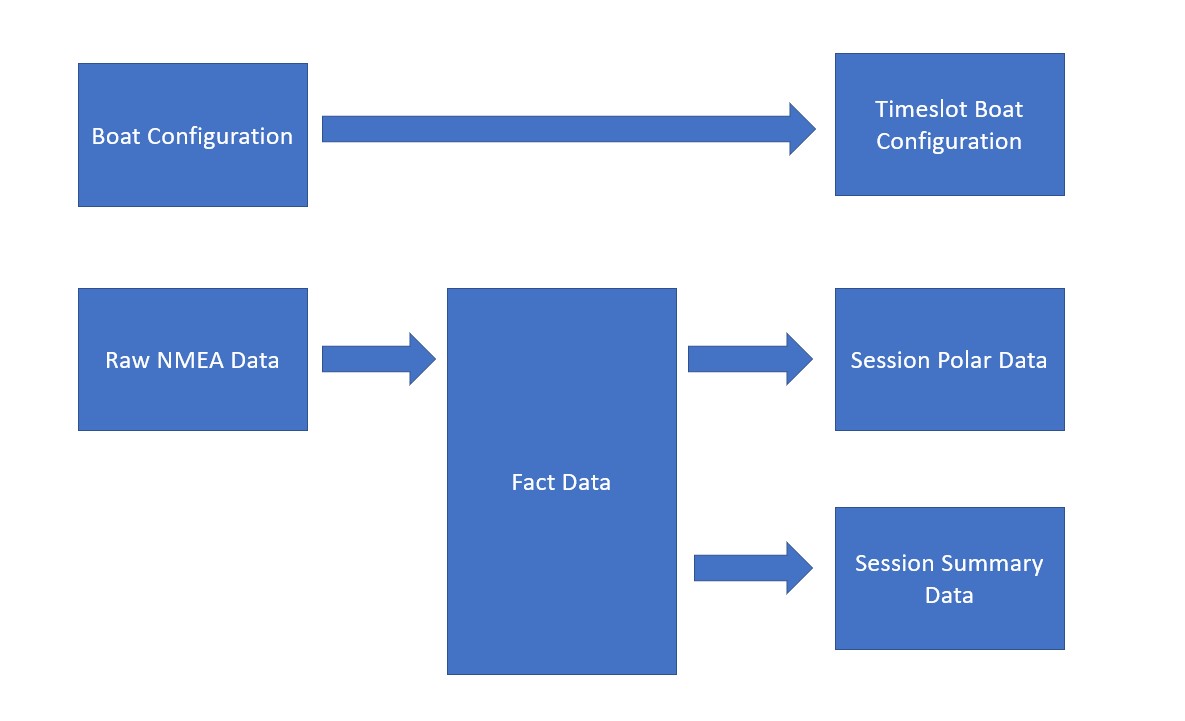
Recalculating Session Data When You Have Edited NMEA Records In certain circumstances we may want to recalculate all the summary data for a recording session. Rockit Analytics records the data in stages. First it collects the NMEA messages and stores them. Then it standardises the information....
Rockit 2025 : Rockit Analytics Platform : Setup
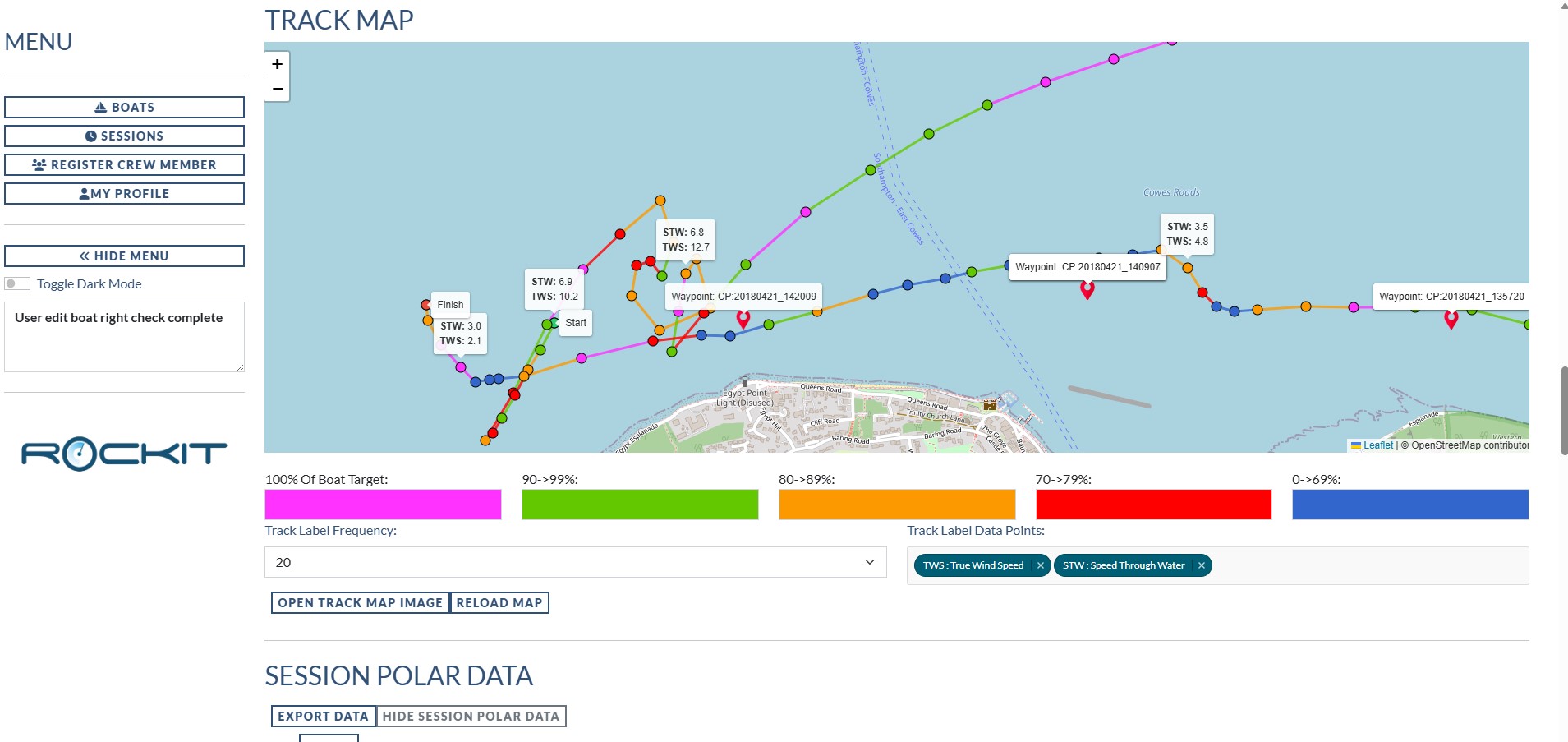
Overview With the Rockit Analytics Platform we have taken the summary data available in the Desktop and Rockit Server versions of the software and pushed it to a web based system. We have then made it possible to share that information with other people in your crew. So you can decide who gets...
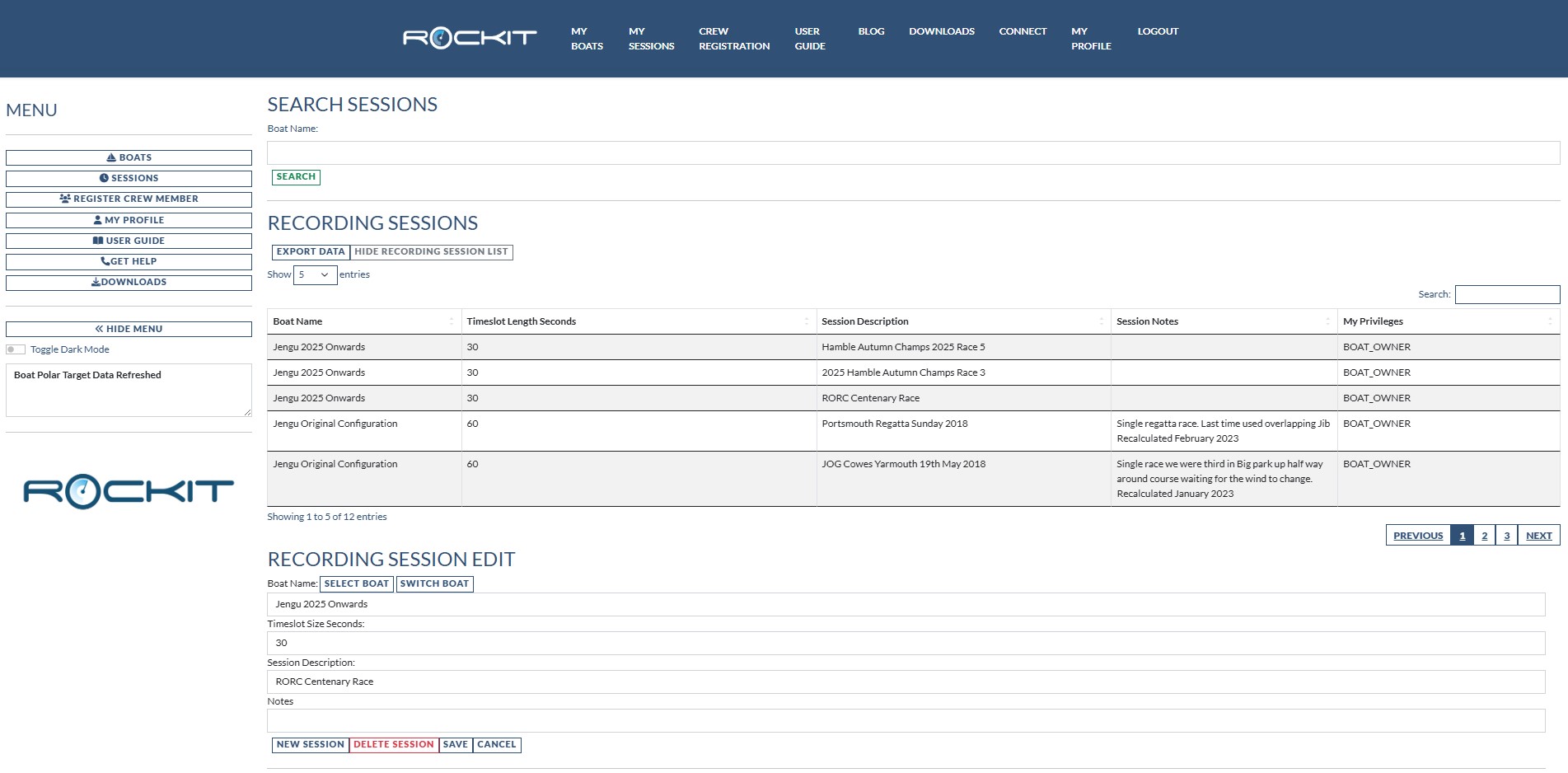
Rockit 2025 : How To Upload Data To The Rockit Analytics Platform
Once you have created your Boat Configuration on the Rockit Analytics Platform and downloaded it to the device you are using for recording; either Rockit Server or a Windows computer running Rockit; you can start to record data. The process of recording data is defined elsewhere in this User Guide...
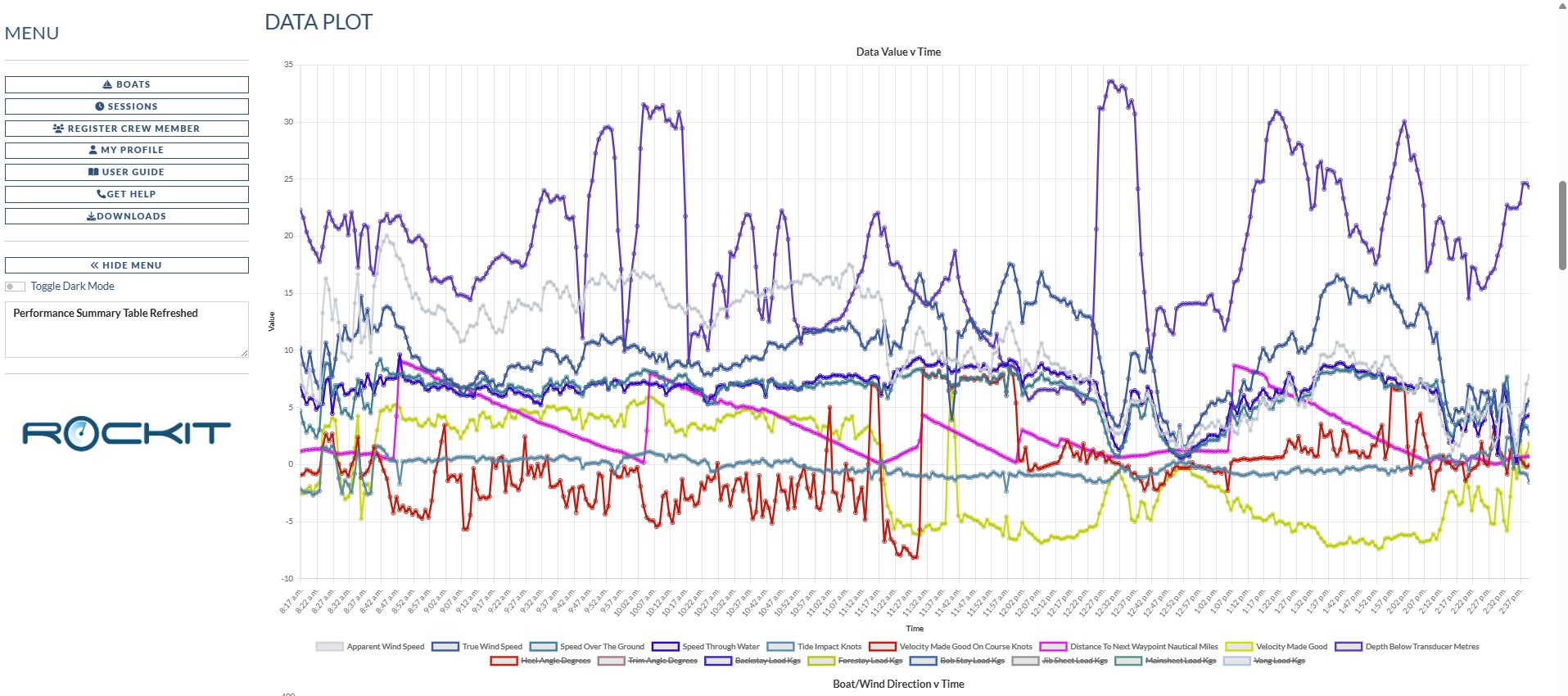
Rockit 2025 : Reviewing Session Data On The Rockit Analytics Platform
Overview The Rockit Analytics Platform holds the summary data that Rockit software local to the boat collects and computes. It doesn't hold the actual raw NMEA 0182 or 2000 messages as that would require uploading significantly more data. The raw data remains in the local database on the Rockit...
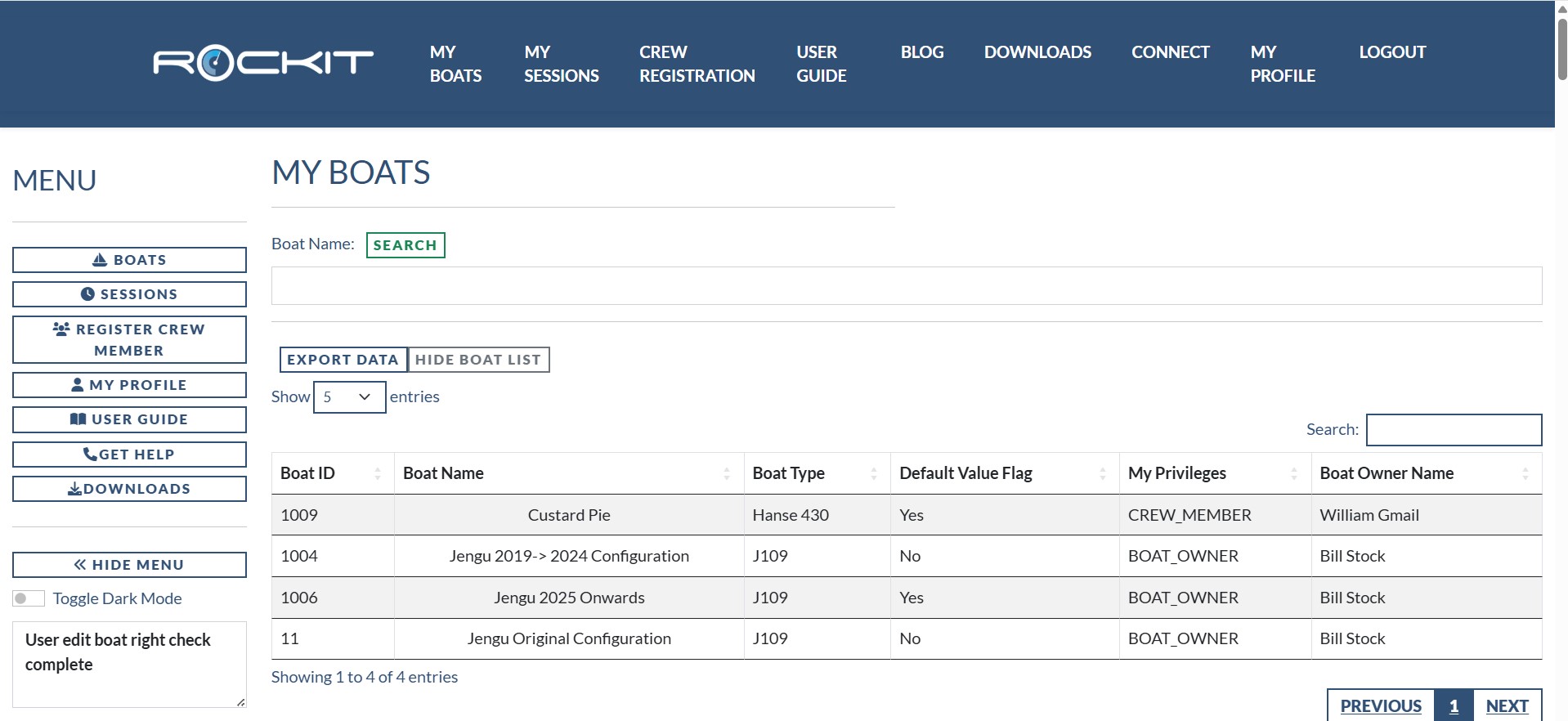
Rockit 2025 : Reviewing Boat Performance On The Rockit Analytics Platform
Overview The Boat page on the Rockit Analytics Platform reproduces a lot of the functionality that exists on the Boat Management Screen on the local install of Rockit. Unlike the local copy this information can be shared with your crew. We describe how to setup a boat for data collection in the...
Ask Us A Question
We are to help and we want to see you succeed with our products.
If you can’t work out how to do something …. or it just doesn’t work … send us a message and we will get back to you as soon as we can.
PDF Downloads
We have acumulated a huge library of content over the years. Some of the more useful reference content is here;